Psiphon
Free VPN for PC bypassing content and gives you easy access to any censored data

Safe & Secure
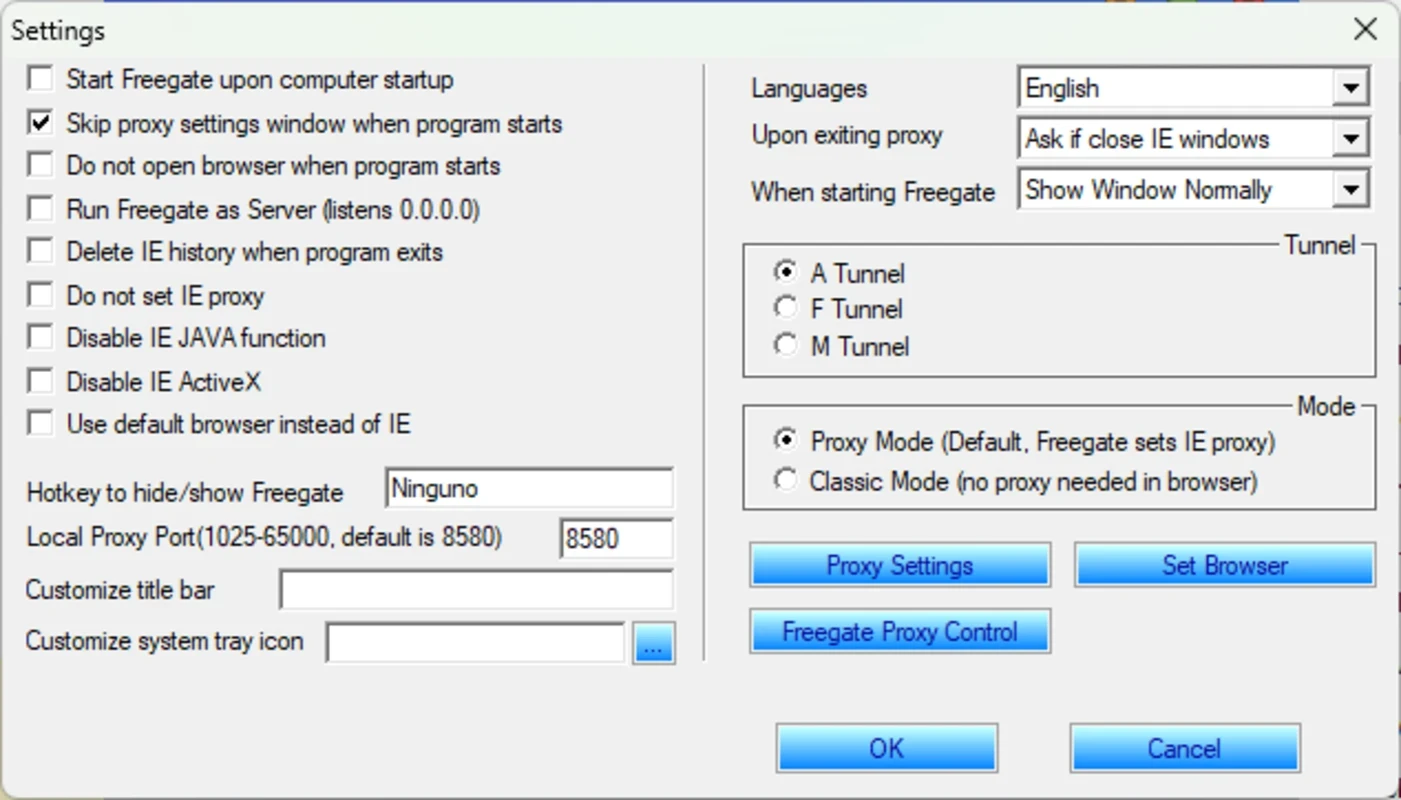
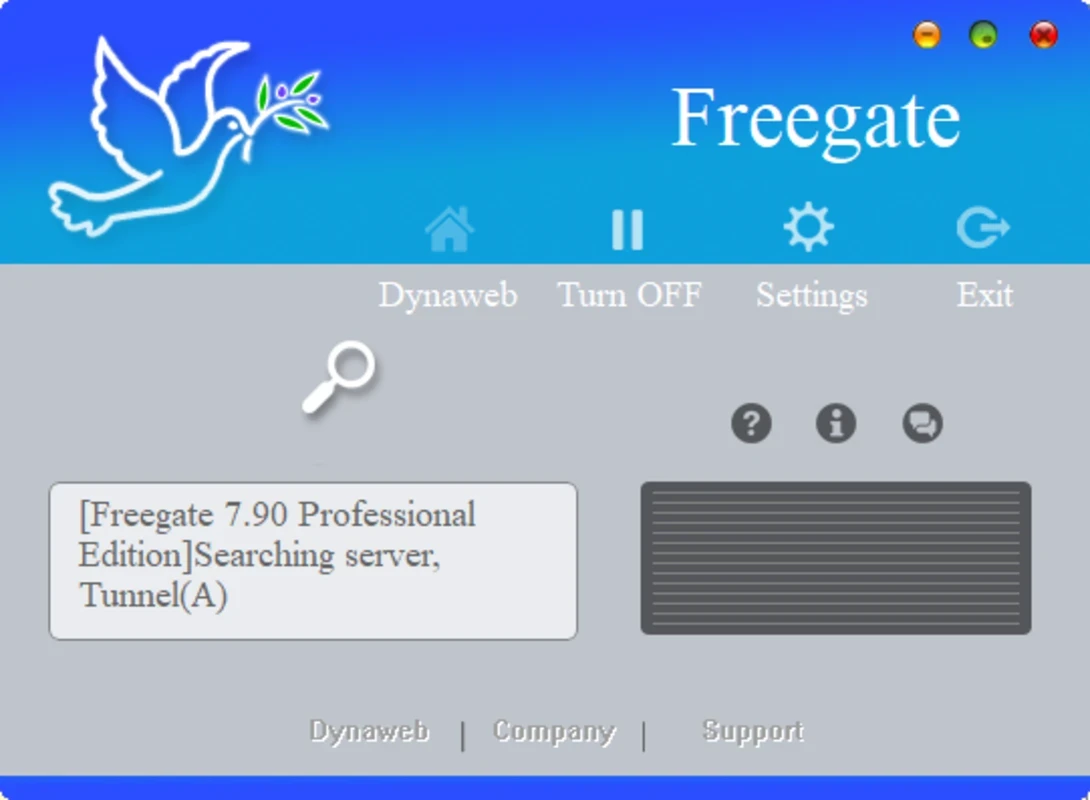
Freegate is a powerful anti-censorship tool to help users bypass internet censorship, specifically in regions with limited internet services, such as Cuba, China, Iran, and so on. It makes your access to your favorite websites, including YouTube, Facebook, TikTok, and so on, quick and smooth, removing the “not available in your region” tag from your screen.
The tiny wizard offers swift and breeze-like services, adding a unique encryption and compression algorithm. It supports a P2P proxy network system and reliably manages the challenges of confronting a long list of blocked content.
Freegate, developed by Dynamic Internet Technology (DIT), falls under the Internet Networking category and is an anti-censorship software. It supports huge collection of server, called Dynaweb, and helps the users to bypass internet firewalls, creating two secure and encrypted tunnels. It is a lightweight and free-to-use utility.
The simple to use doesn’t require installation or settings configuration, instead you can run it using an executable file for all Windows versions, including Windows 7/8/10/11. It quickly detects the browser to connect you to the fastest server, applying the necessary proxy settings.
The availability of unlimited servers makes your connection fast and stable, and if you’re not satisfied with the default proxy, simply select another proxy. The app clears your browsing history automatically to maintain your online security, avoiding unauthorized access to your browsing tracks. However, it can slowdown, if your connected server got heavy load, and interface feels confusing, specifically for users with less knowledge to run a VPN.
The app doesn’t require a standard installation process; instead, with a double-click on the executable file, it will run the app in the system tray, without occupying space on your desktop or taskbar. Upon launching, it will detect your browser automatically, and a list of typically blocked sites in certain parts of the world will be applied. Most of the tasks are automated, so there is no need to manually manage the process.
The app supports two types of modes: Classic Mode and Proxy Mode;
Classic Mode: you can use the mode without making changes to the settings, as launch homepage of Dynaweb using your internet browser, and access to your desired websites. However, the security terms of some websites can make them inaccessible.
Proxy Mode: accessing your desired blocked content is quite easy with this mode, as you simply enter the desired destination in the address bar, and it will change the proxy settings automatically to display the websites properly.
The app works similarly to a P2P proxy system network, utilizing Dynaweb and two encrypted tunnels, ensuring your internet browsing is safe and secure. The effective and convenient tool very swiftly reaches your selected location, bypassing all types of Internet restrictions. The simple-to-use, no-installation capability makes the app easily accessible to a huge audience.
The app is equipped with four dedicated tabs on the interface, giving overall information regarding your internet connection, such as;
The app is highly convenient and effective, without demanding so much complex configuration. It is lightweight, as it runs in the background, and doesn’t interfere with your other important online activities. The entire procedure is automated; you need only to click the “Connect” button, and it will establish a secure connection after connecting you to the nearest server. Now, you can browse any type of content or website you want hassle-free.
Dynamic Internet Technology (DIT) manages the app using Dynaweb P2P network, and utilizes multiple encryptions, including SSL, TLS to give your browsing style of HTTPS web browsing; regardless of which type of internet restrictions you are facing. Moreover, the app, with its tiny size, is reliably integrated with multiple popular web browsers, such as Google Chrome, Firefox, Edge, and so on.
Pros
Cons

Free VPN for PC bypassing content and gives you easy access to any censored data

Turbo VPN for PC, a secure and fast way for anonymous browsing

Clash for Windows, bypass geo-restrictions content

Proxifier provides proxy servers for network applications that lack built-in proxy servers

1111 Warp VPN Free Download for PC offers the fastest and safest internet connection while using the fastest DNS resolver.

V2rayN, an open-source GUI, manages V2ray server and proxy connections for free